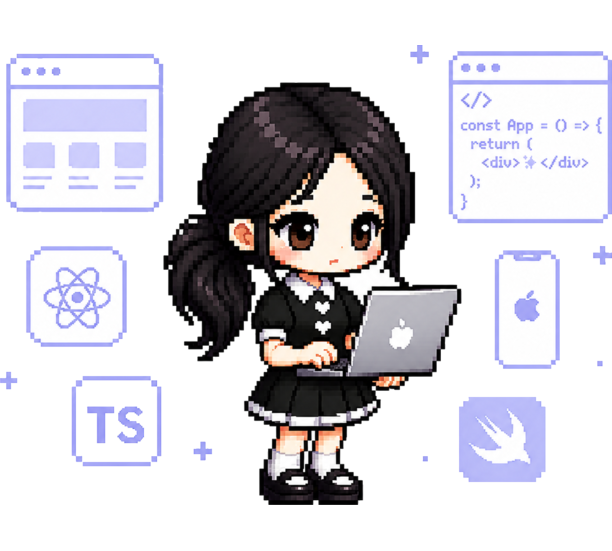
석지인 · Jiin
From design to the app to this very site — everything that reaches your hands.
→ usejiin.linkWrite a few characters with your finger or Apple Pencil, and AI fills in all 11,172 Hangul syllables in your style — your bias's name, a favorite lyric, your own name in 한글. Export a real .ttf and use it in GoodNotes, Procreate, Keynote — anywhere.
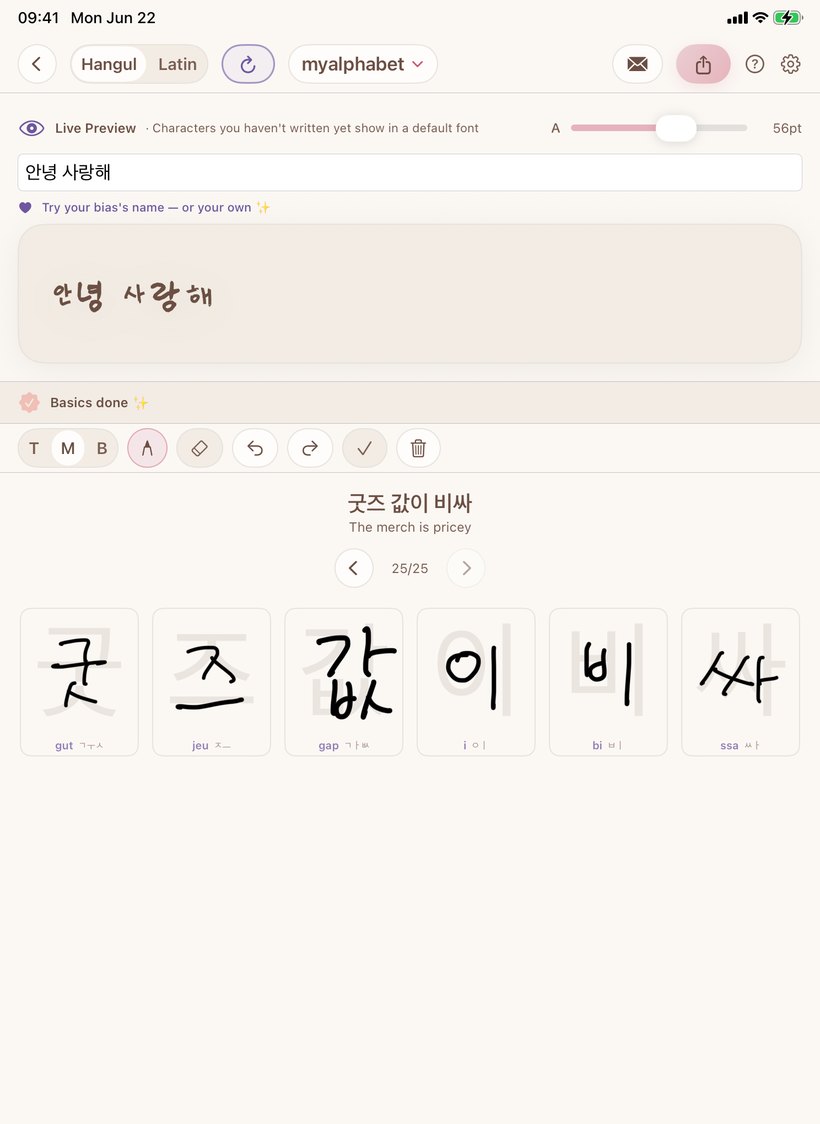
✍️ This is a real handwriting font made with TappyType — in the app, your writing looks like this.
How your handwriting gets recognized and baked into a font — 55 seconds is enough. Here it is, step by step.

Get TappyType on your iPhone or iPad, and Tappy is with you from the start.

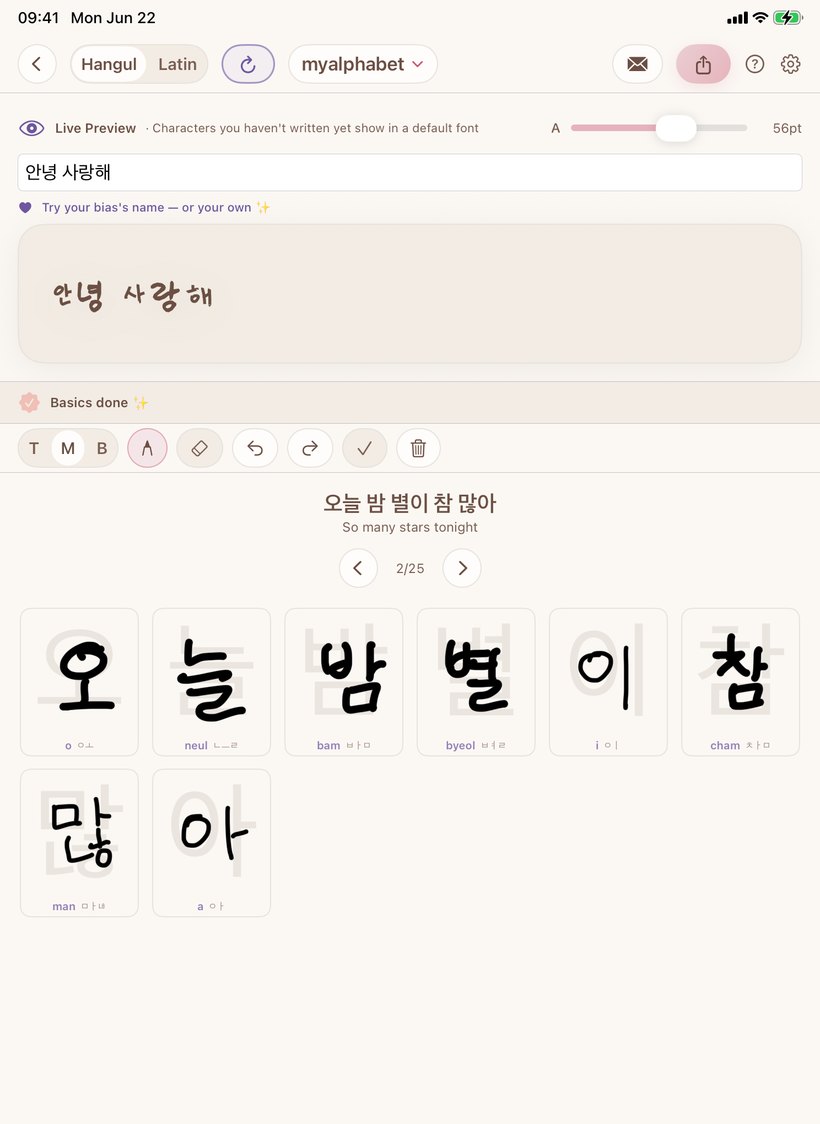
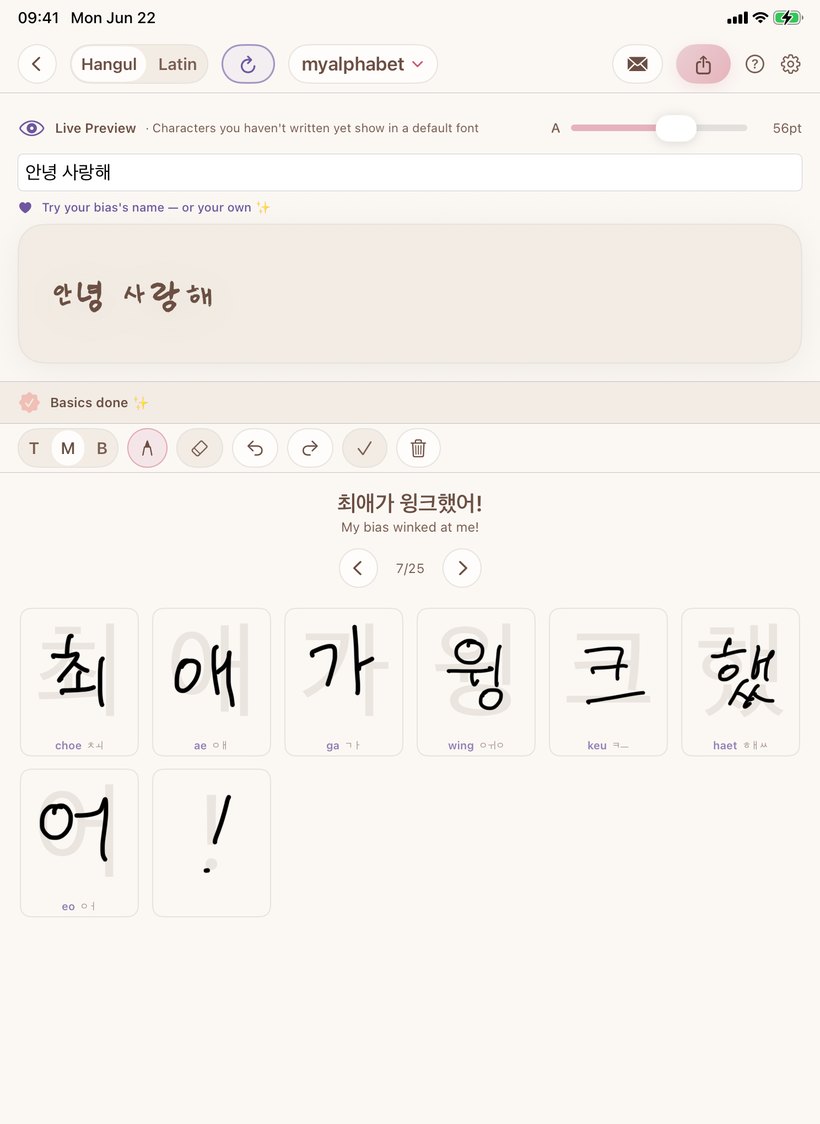
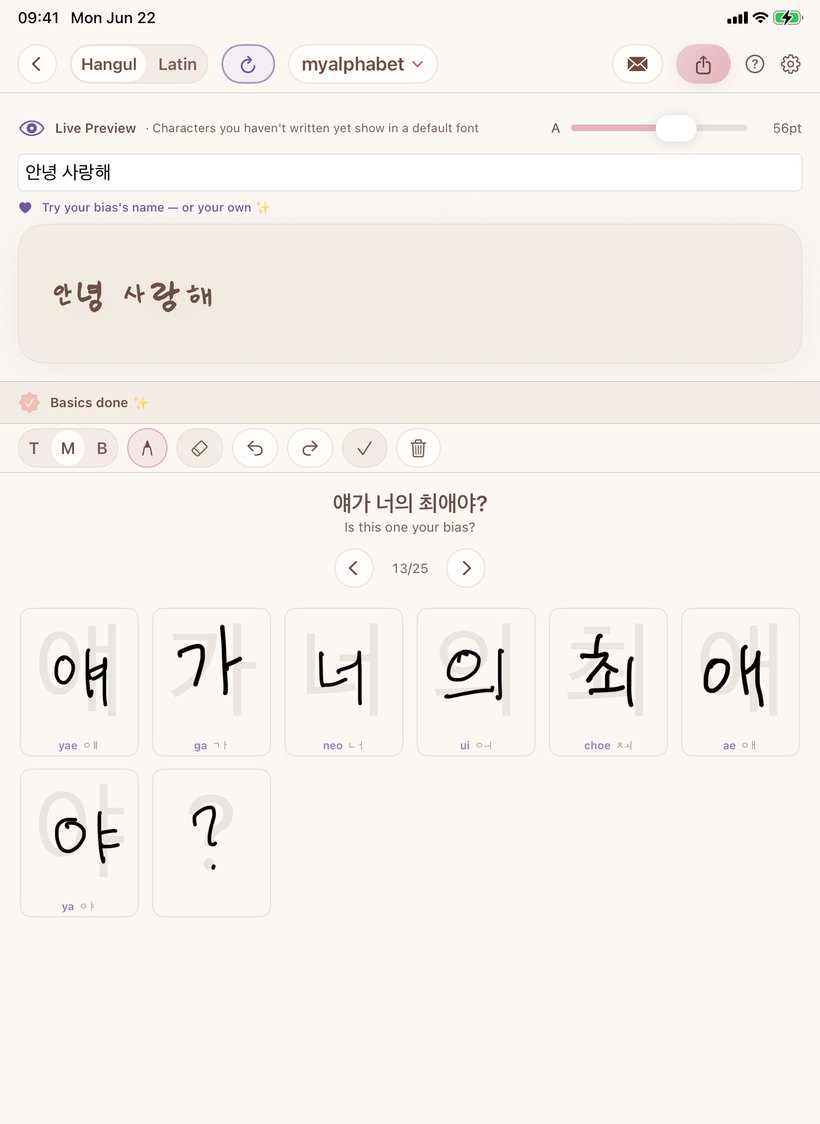
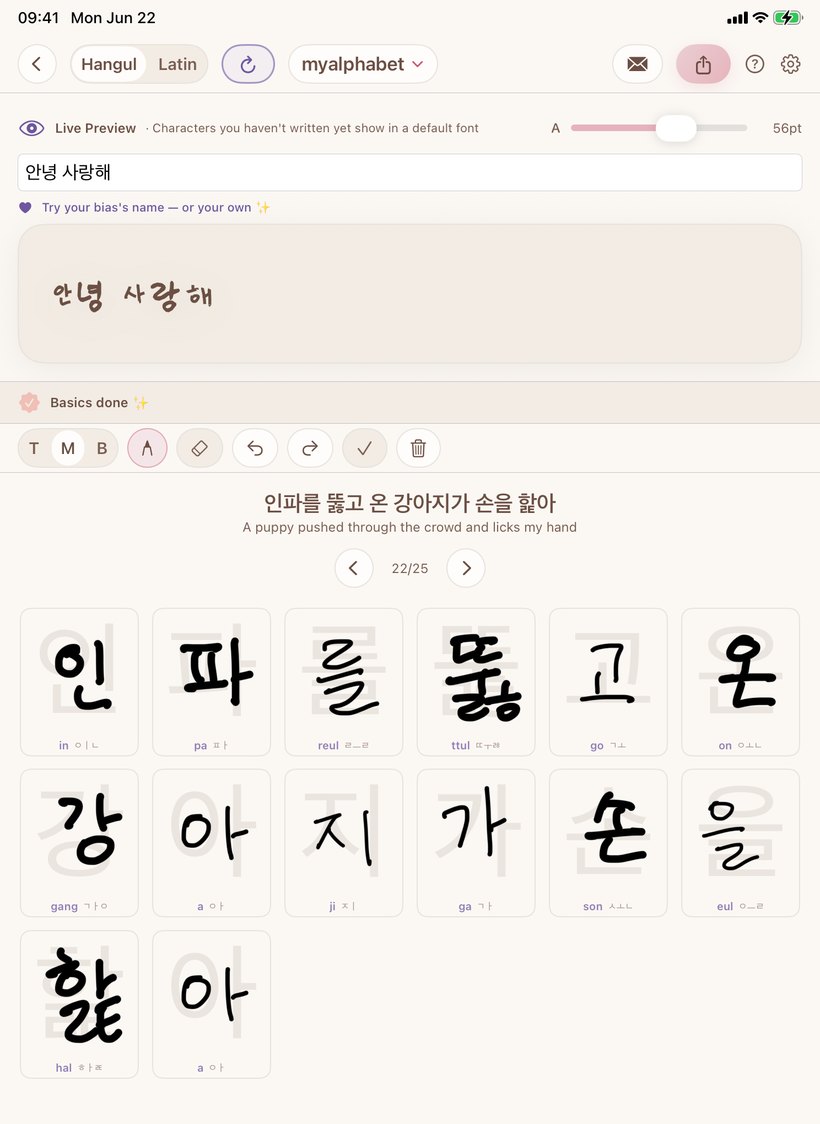
Follow the baseline and tracing hints for a few characters. It previews live as you write.
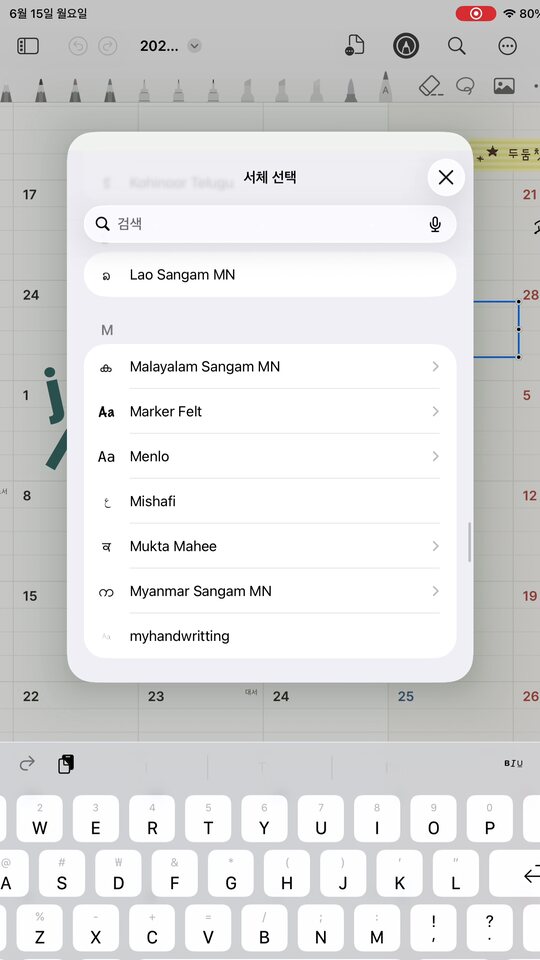
A real font file — use it anywhere fonts work: GoodNotes, Procreate, Keynote, Word.
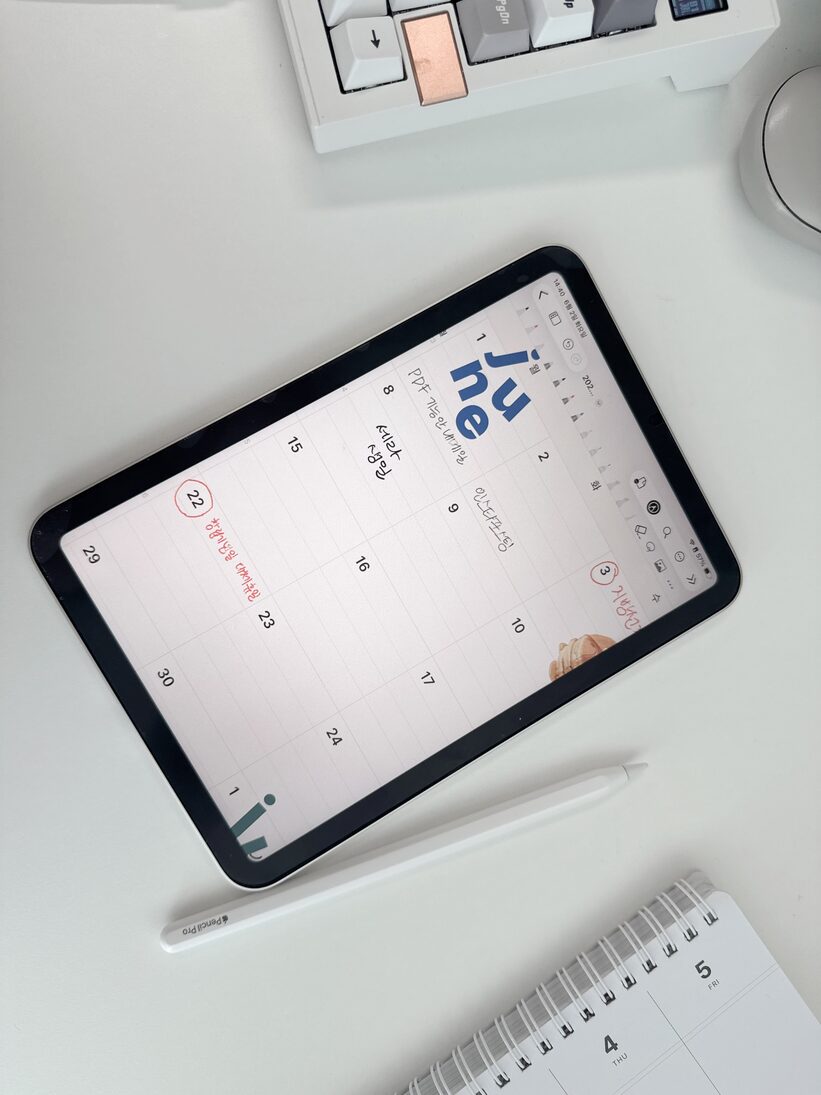
Use your finished font in GoodNotes, calendars, notes — your handwriting, everywhere.
Fun K-culture sentences teach you key letters as you write — and every line shows its meaning.
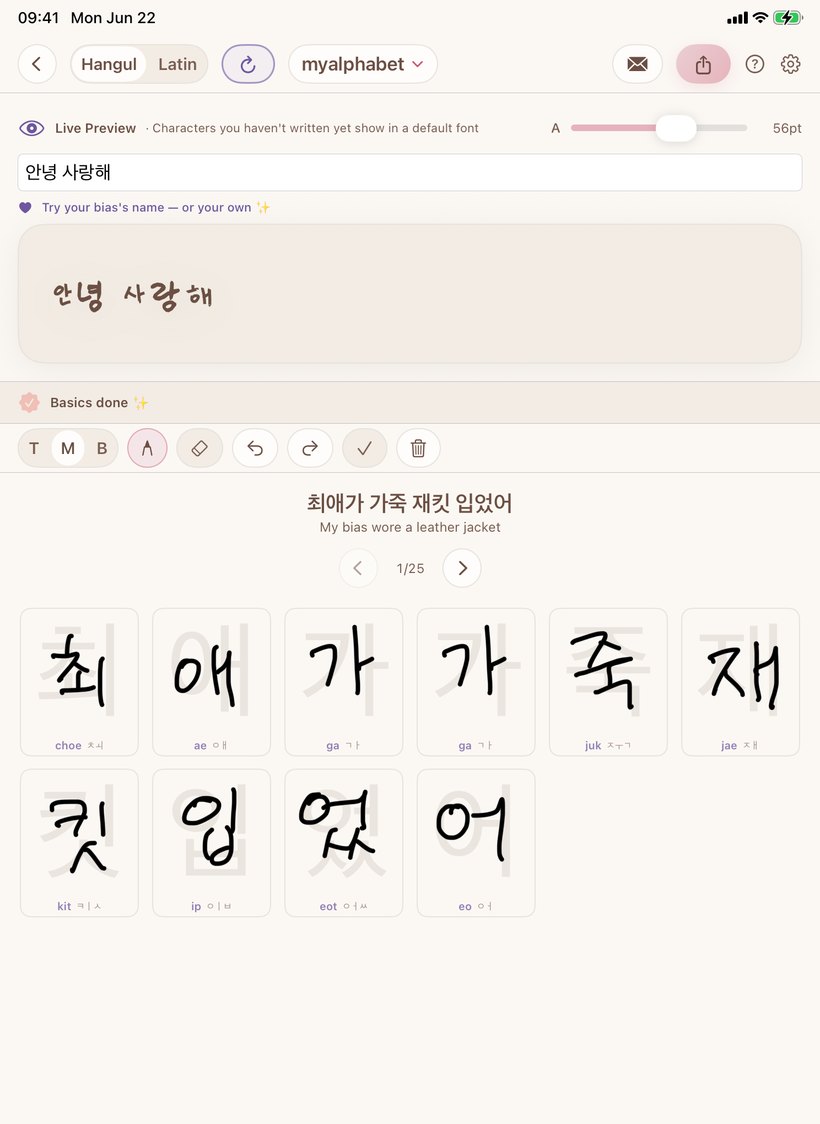
Writing them all by hand is nearly impossible. TappyType's AI learns your style from the few you write and draws the rest to match.
Same sentence, a different hand each time — all real .ttf handwriting fonts.
Coming soon ✨
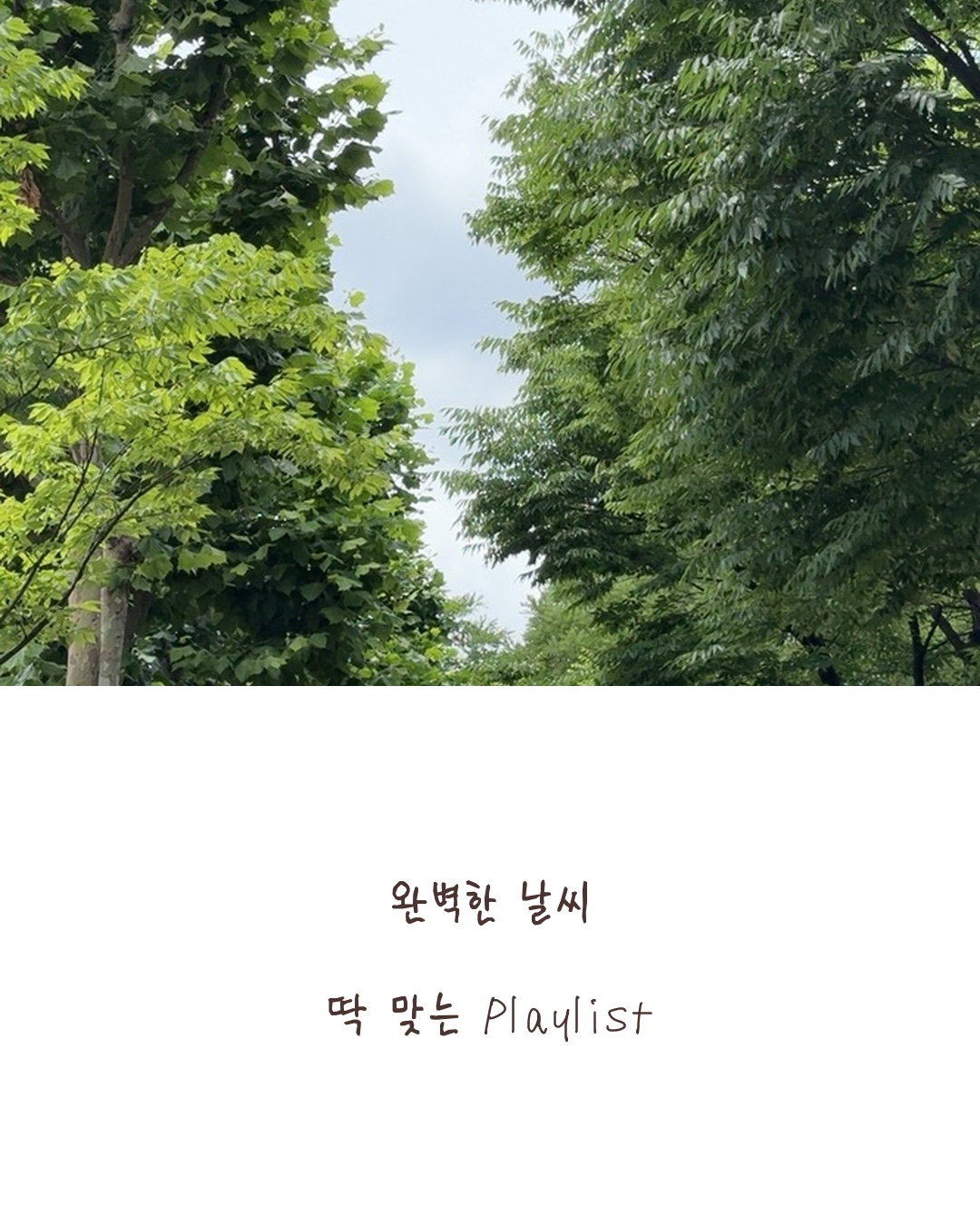
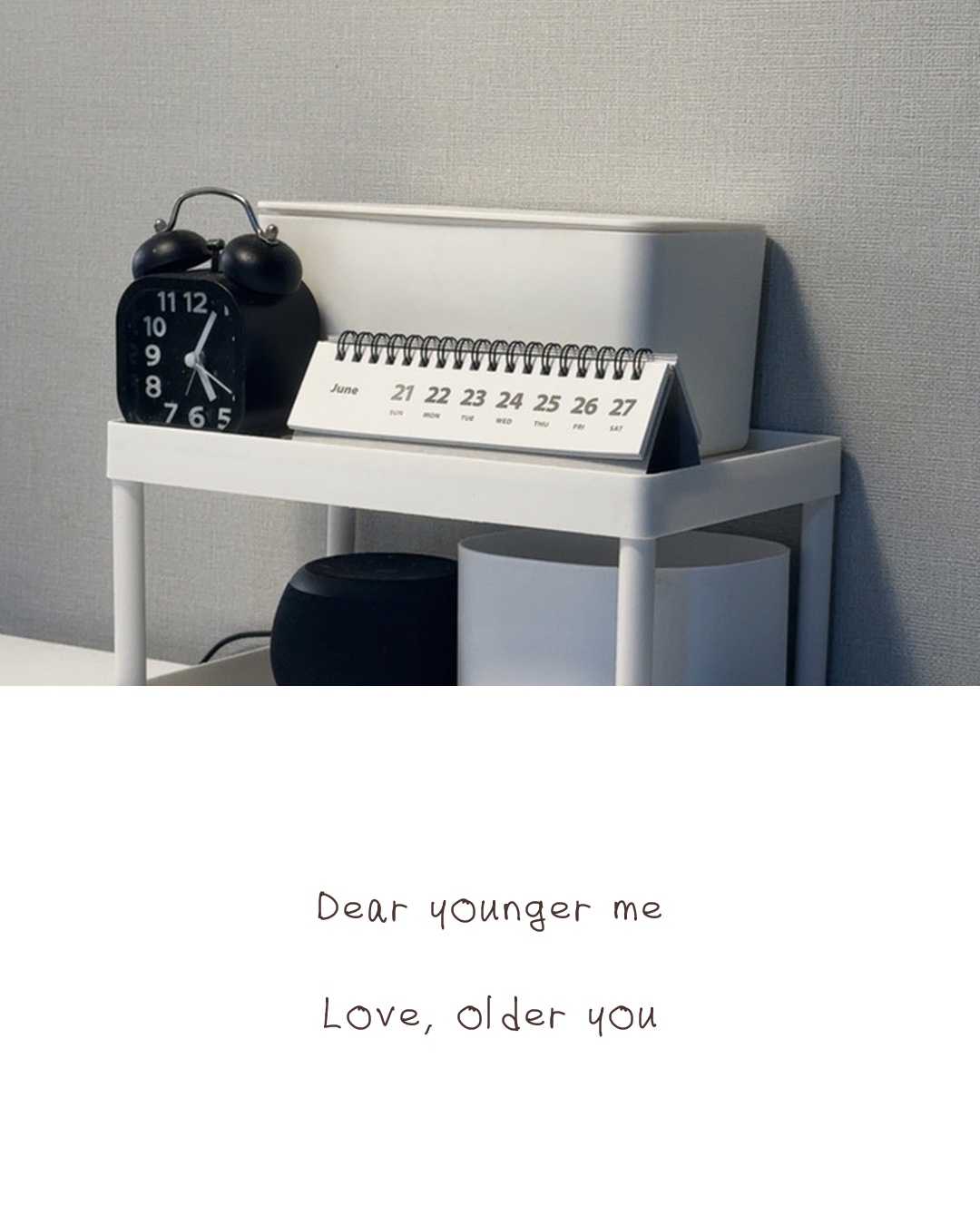
Handwritten postcardsYour handwritten message over a photo or a soft color. Save to Photos or share it when you love it.

Do you like typography?
Since I was a little girl, I’ve loved typography. Sometimes I dreamed of turning my handwriting into a font.
Today, thanks to AI, we can do almost anything in the digital world. For my dream of making my own font, I decided to build an iPad app that easily creates character image files.
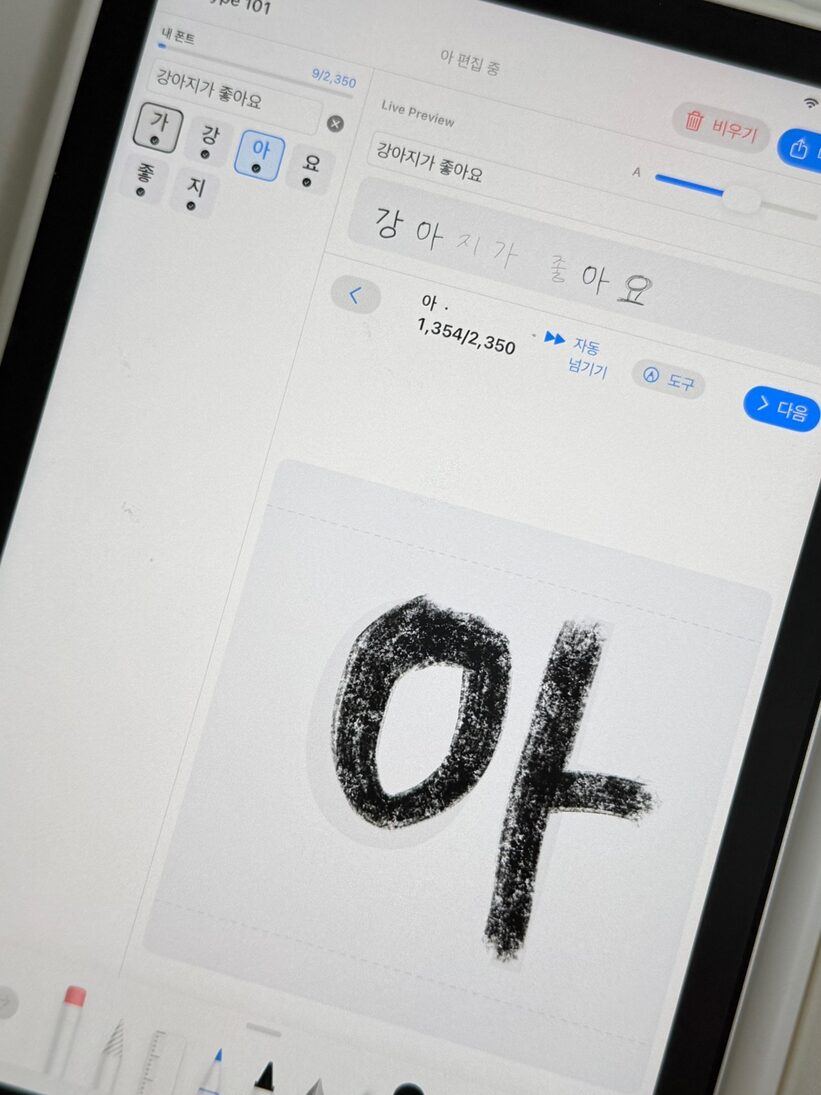
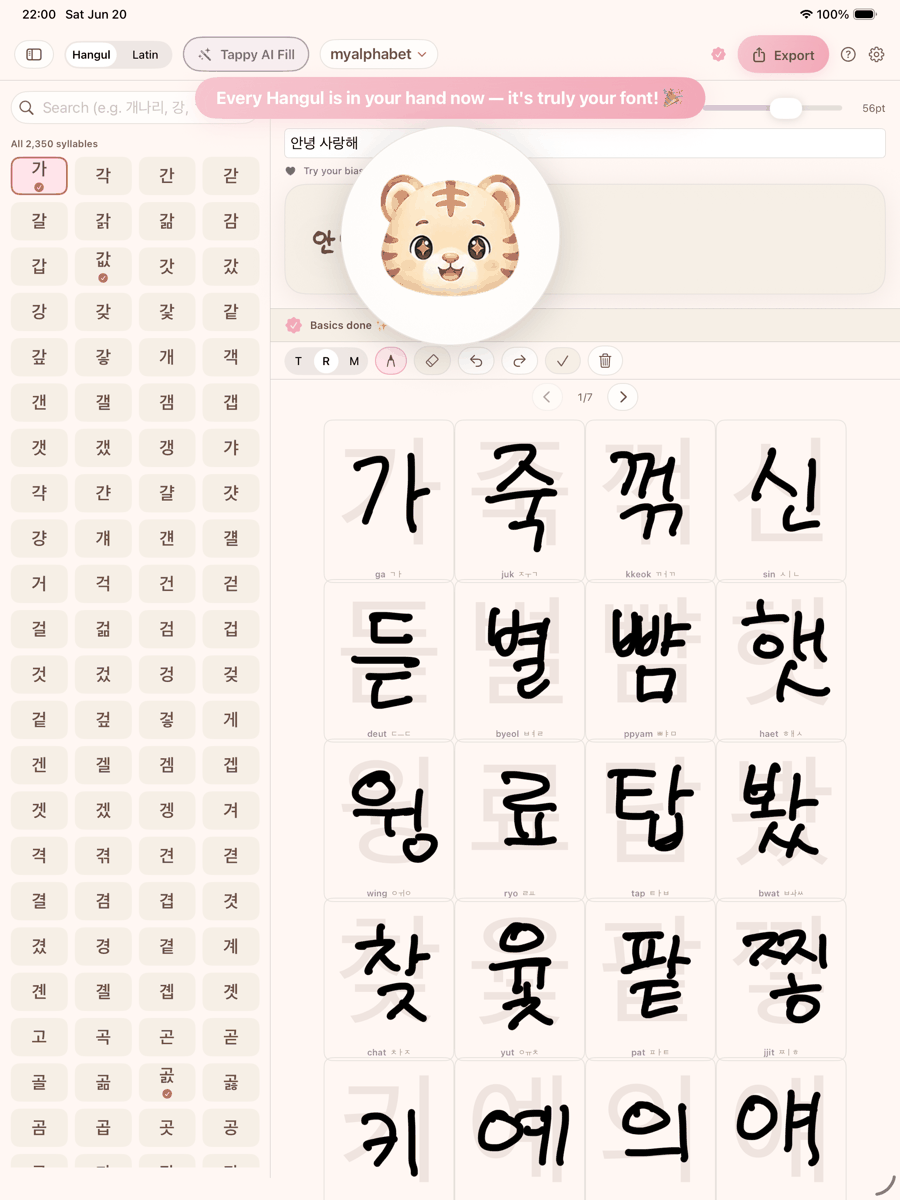
However, there’s still a challenge because of the unique properties of the Korean character 한글. I need to write out each character for the 11,172 possible character combinations (at least 2350). If not, you will see clumsy characters. Neither the Apple Pencil nor NanoBanana can solve this problem.
I set aside my ideas and searched the internet until I found six-year-old open-source code (quite old in the AI field). I immediately started experimenting to speed up the process. In the end, my dream became a reality.

Because I want to share this experience with others, I designed, coded, and tested it myself. Now, I have a team member who will rebuild and upgrade the AI model. So, I started to prepare the App Store documents and do some PR! (yeah, that’s what this is)
From now on, I will share my story about the first launch and my very first app. I hope it works, but even if it doesn’t, my enthusiasm and heartfelt thoughts or actions for this first attempt are still worth recording. It’s also a personal test to see if I want to be an entrepreneur.
— Jiin, TappyType
📷 More on Instagram @tappytypeFrom design to the app to this very site — everything that reaches your hands.
→ usejiin.link
Computer vision is what got me into ML; 3+ years of production systems later — tabular classifiers, generative AI, LLM pipelines — I still care most about what a model does for the person using it. Here, that's something genuinely fun: teaching a model to read your 손글씨 and turn it into a font that's actually yours.
→ bobaejeon.github.ioWe document the build and updates on Instagram.
→ Follow @tappytypeFill the first cell, and Tappy taps in the rest. This is the moment your handwriting becomes a real font.